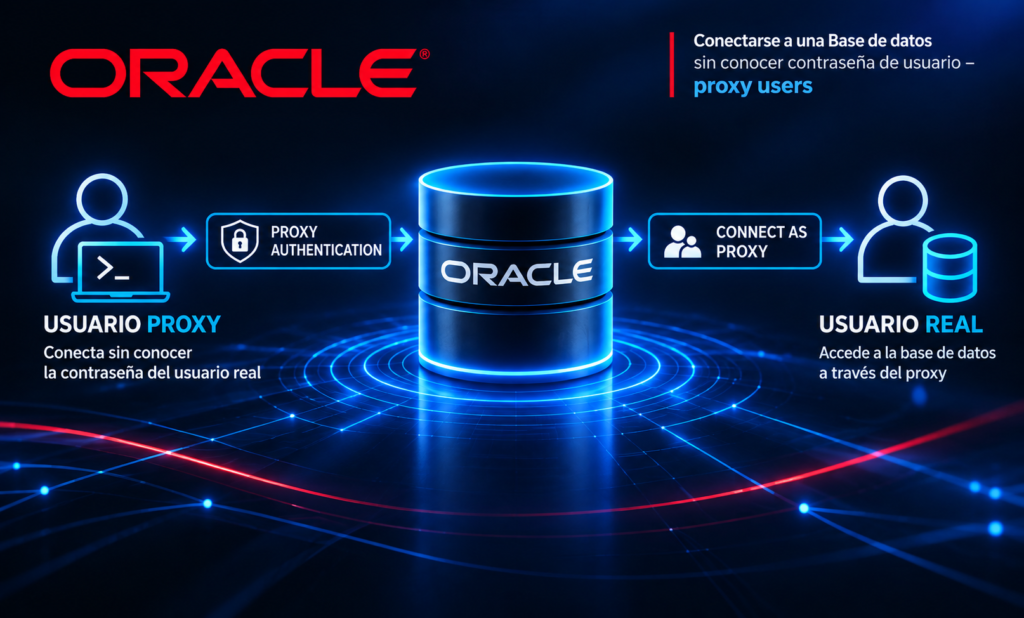
Sometimes it becomes necessary to connect to another user to create or perform certain tasks. Some of these include creating db_links, configuring jobs, or executing a package with the owner of that object.
To do this, we can use what is known as “Proxy Users,” which allows us to establish a connection proxy to a user without needing to know or change their password.
A common example is creating a db_link without knowing the user's password . You must know the password of a user who has access to the database and sufficient privileges.
Example: Creating DB_LINK.
We created two users: user1 and user2.
SQL> CREATE USER USER1 IDENTIFIED BY password;

User created.

SQL> grant connect to user1;

Grant succeeded.

SQL> grant create session, resource to user1;

Grant succeeded.

SQL> alter user user1 default tablespace users;

Grant succeeded.

SQL> alter user user1 quota unlimited on users;

Grant succeeded.


SQL> CREATE USER USER2 IDENTIFIED BY password;

User created.

SQL> grant connect to user2;

Grant succeeded.

SQL> grant create session , resource to user2;

Grant succeeded.

SQL> alter user user2 default tablespace users;

Grant succeeded.

SQL> alter user user2 quota unlimited on users;

Grant succeeded.
Let's say we need to create a database link as user2, but we don't know the password; however, we do know the password for user1.
Cómo usuario system damos los permisos necesarios:
SQL> alter user user2 grant connect through user1;
User altered.
SQL> grant create database link to user2;

Grant succeeded.
We log in as user2 using user1's e password .
SQL> connect user1[user2]/password@test;
Connected.
SQL> show user
USER is “USER2”
SQL> create database link mi_dblinktest connect to user1 identified by password using //localhost:1521/test;
Database link created.
sql> SELECT OWNER, DB_LINK, USERNAME, HOST FROM DBA_DB_LINKS

There are many situations where it can be beneficial for a DBA or developer to be able to execute tasks or procedures with the task owner's privileges. Some examples include creating indexes, launching jobs, and executing and debugging packages, among others.
Una vez finalizadas las tareas, es importante revokar el privilegio otorgado para evitar problemas de seguridad.
SQL> alter user user2 revoke connect through user1;
User changed.