Find out how install Red Hat 9 for free to test it out or to improve your knowledge of this operating system.
In this document, I'll show you how to install a Red Hat Enterprise Linux server Linux its developer distribution, which you can use to run small workloads. Red Hat is widely used in nearly every industry worldwide, with a focus on servers, containers, databases, virtualization, automation, and artificial intelligence.
Follow the instructions to activate your free subscription and download the RHEL version for developers. The bits in this distribution are identical to those in the paid versions. You'll be able to install Red Hat Linux for personal use (not for organizations or teams) Linux up to 16 physical or virtual systems, regardless of their size. You can use these 16 nodes for demos, prototypes, testing, cloud access, personal servers, or small open-source communities.
Review the terms and conditions here:
linux
Red Hat developers home page.
To download the software on the following link:
https://developers.redhat.com/products
In our case, we’ll download the first option, “Red Hat Enterprise Linux.”
Once we’ve downloaded the software begin installing the operating system.
On the welcome screen, click "Install Hat Enterprise Linux."
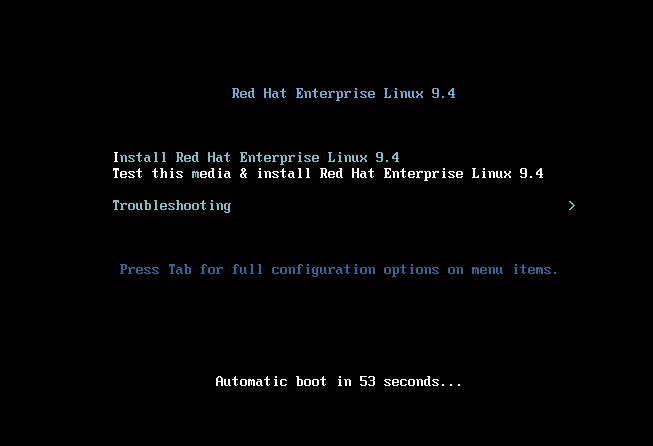
This will prepare the different files necessary for the installation.
We choose the language in which the installation will be made.

Different options appear to fill in and identify the characteristics that we want for our installation.
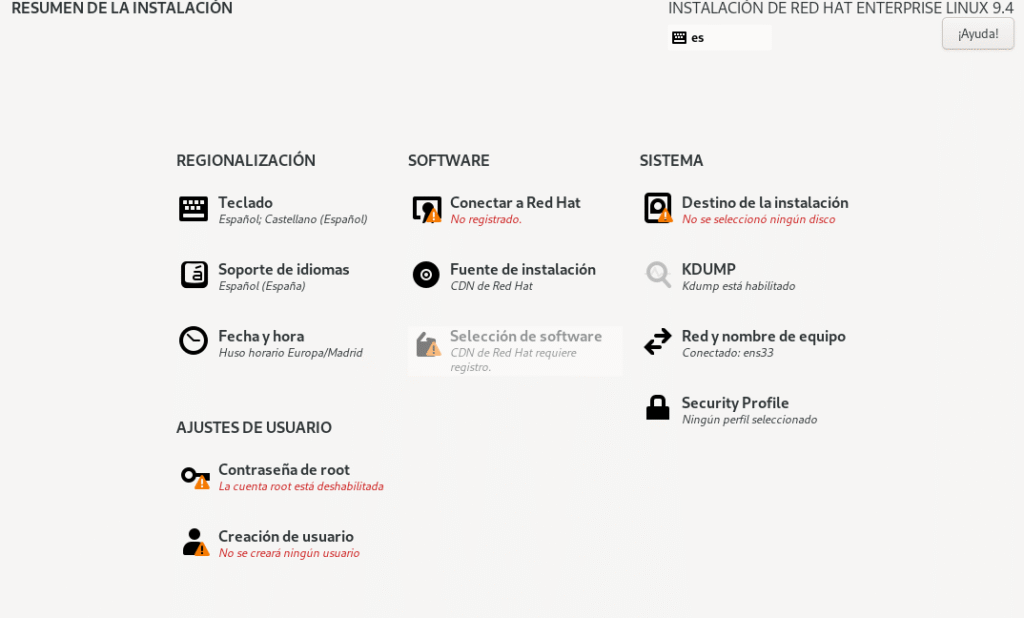
We fill in the following options:
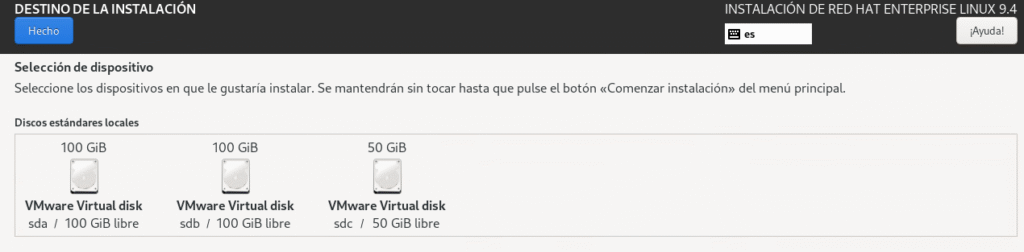
Destination of the installation:
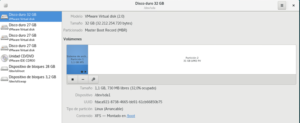
We choose the disk on which we will perform the installation.
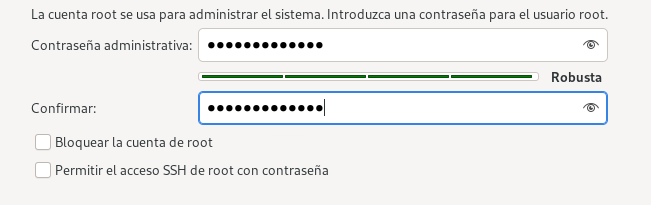
User settings:
We changed the root user password .
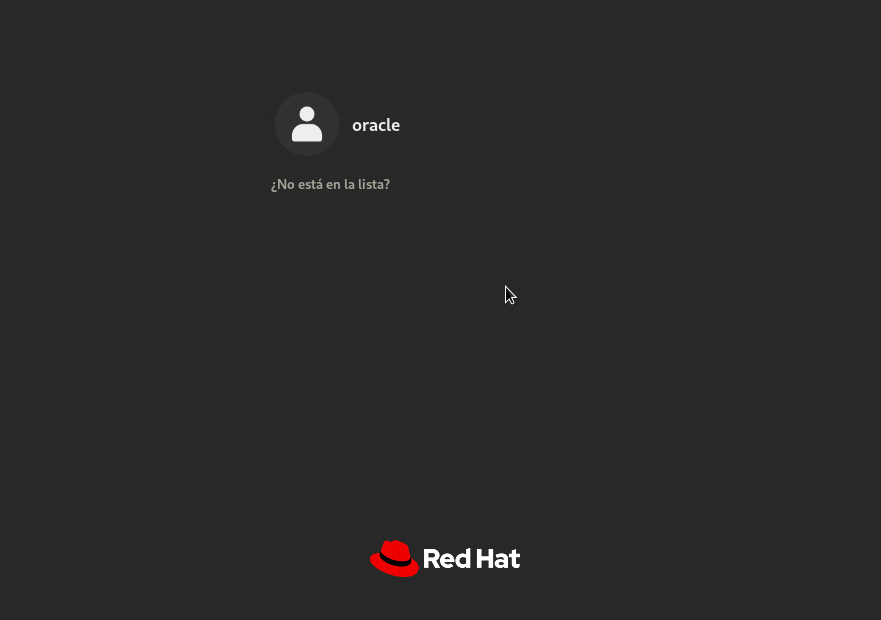
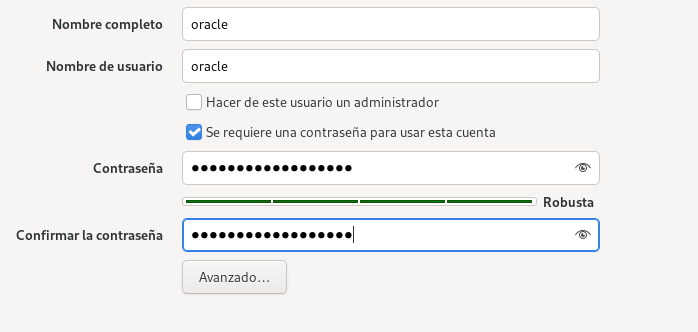
In our case, we created an oracle user, since we will use this installation to install an Oracle database Oracle on.
Network and equipment name:
Add your network connection details here. You must have internet access to register later.

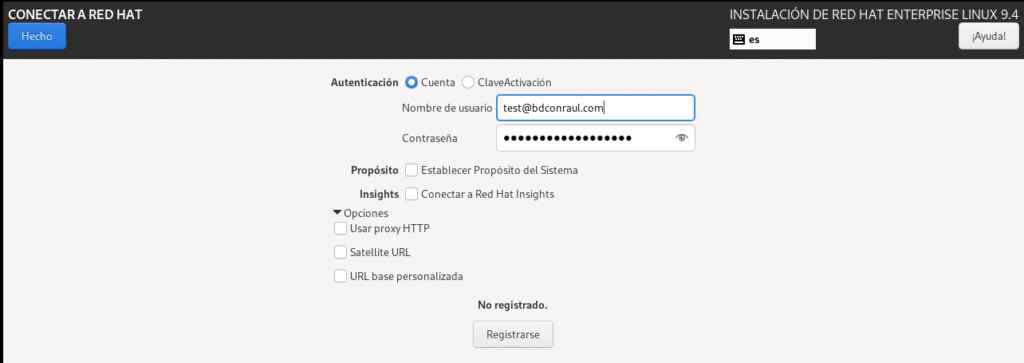
To connect to Red Hat, you must, of course, have internet access. You must enter the username and password subscribe to Red Hat.
software Selection
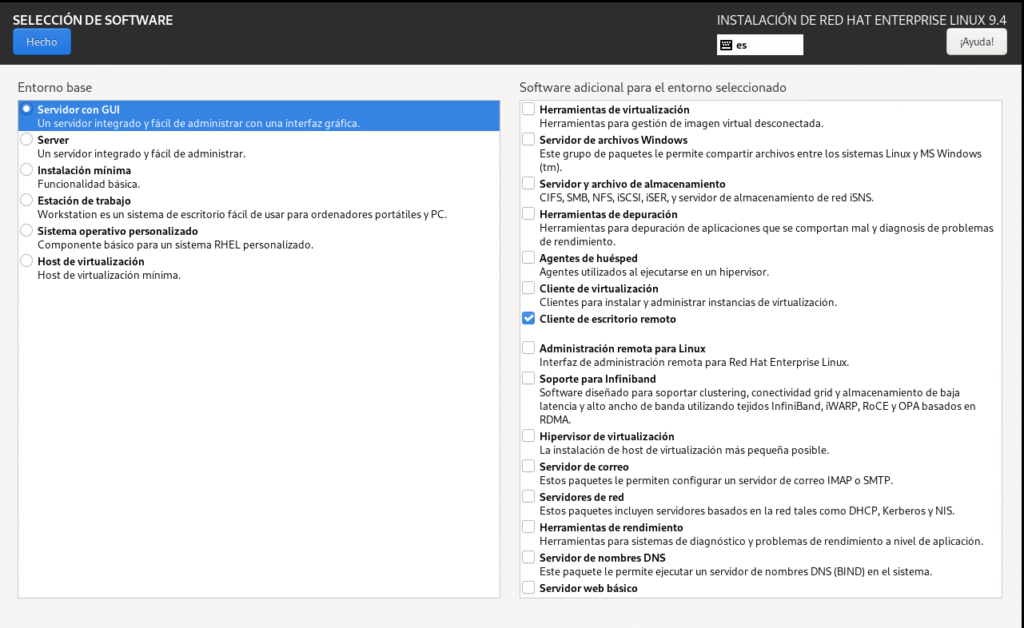
We choose the software want install. Review the available options and install the ones that meet your needs.
In our case everything is ready, so we click on "Start installation".
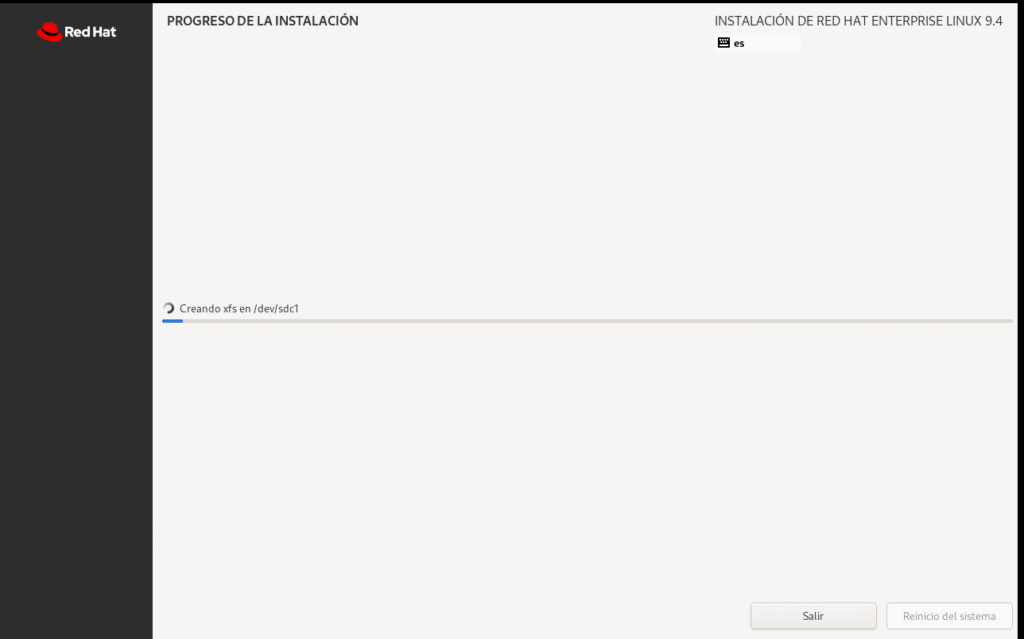
Once the installation is finished, you will be able to access the environment.